The Log repayment action — in the Quick Actions menu at the top of the screen, labelled Record in the updated navigation — records one repayment amount for the policy you select. It starts with the policy nickname, shows the policy-loan and active draw balances, then lets you use the saved allocation default, override it once, or enter exact dollars by draw.
Where to Find It
The record-actions menu opens from the top of the screen — labelled Quick Actions in the current navigation and Record in the updated one — and is available from any loan-related page. Look for Log repayment.
When to Use the Policy-Level Dialog
Use this dialog when any of the following is true:
- You want to choose the policy first and review all active draws before logging the repayment
- You want First in, first out (FIFO) or Equal reduction applied across active draws
- You know the exact dollars to assign to one or more draws
- You want to use the exact amount saved by the Policy Loan Repayment Modeler
When to Use the Per-Loan Dialog Instead
The per-loan Record repayment dialog remains available for maintaining an IBLOC/CVLOC from its detail page. Policy-loan repayments use the allocation-aware Log repayment flow.
How the Allocation Works
When you submit a repayment, Policy Stack:
- Shows the selected policy's current tracked loan balance
- Shows active draw balances that still have a positive balance
- Assigns principal by the saved household default, a one-time First in, first out (FIFO) or Equal reduction override, or exact dollar amounts
- Decrements the tracked loan and draw balances
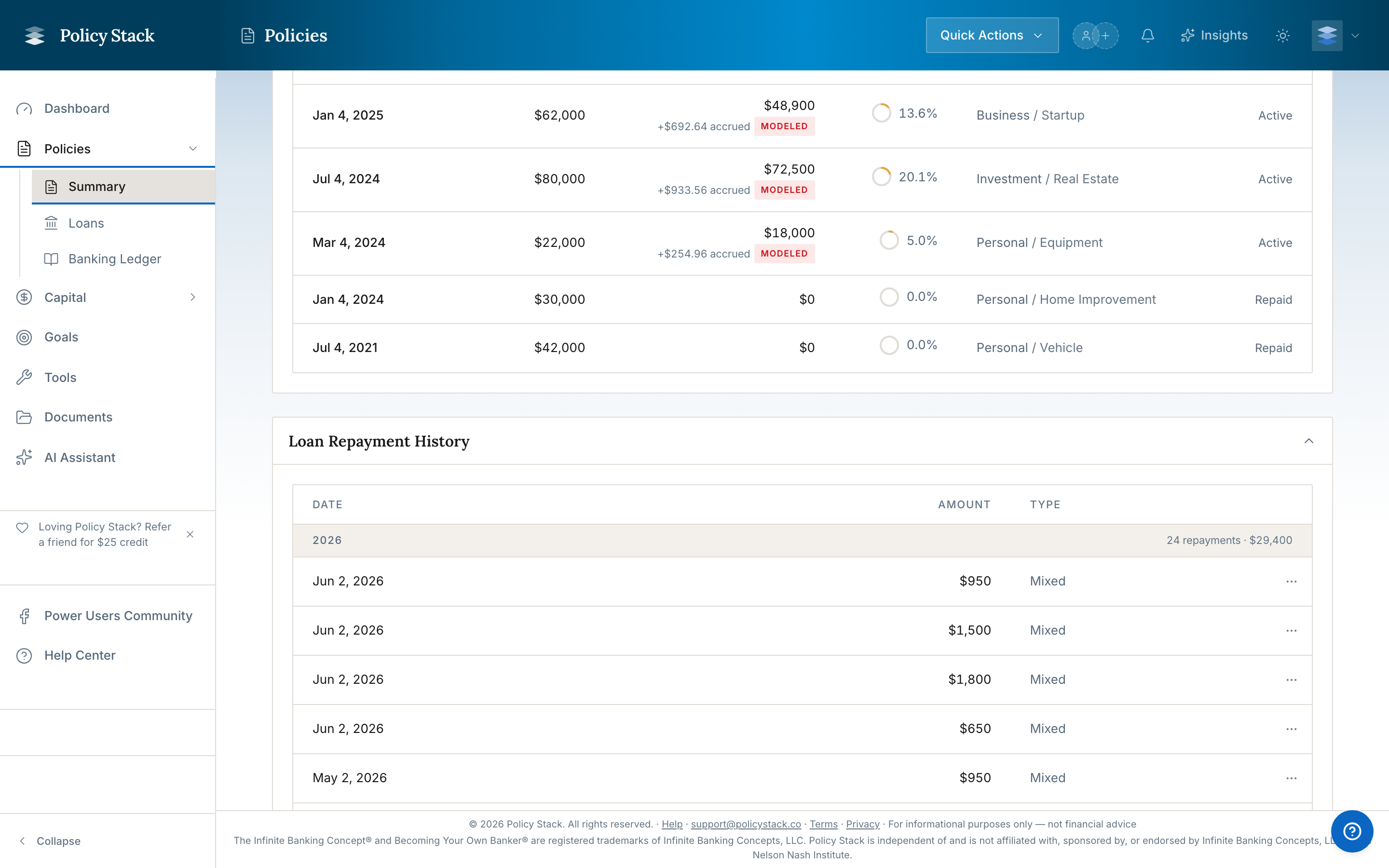
- Writes a linked Loan repayment line to the Banking Ledger
The preview shows the before-and-after balance for the policy loan and each affected draw before you submit.
When a draw reaches zero, it leaves the active draw list and remains in the loan's historical record.
Fields
- Policy — choose the policy the repayment was made against. If only one policy has active loans, this field is pre-selected.
- Amount — the total dollar amount you sent the carrier.
- Payment date — defaults to today; change if you're back-filling a past payment.
- Notes — optional. Useful for tracking which carrier statement period the payment covers.
Use the gear on the Loans page to open Settings → Loan repayment tracking. The household default is First in, first out (FIFO) or Equal reduction. A one-time choice, exact draw assignment, or plan-directed repayment takes precedence over that default.
After Submitting
- The dialog closes and a confirmation appears.
- Each affected loan's tracked balance decreases by its share.
- The Banking Ledger gains one Loan Repayment entry for the policy-level event, with the distribution metadata attached.
- Your activity log records the policy repayment with per-loan allocations.
Each affected loan's history table gains a repayment row for its share — the payment date and amount — so the repayment shows up on the loan as well as in the Banking Ledger.

Editing or Reversing
Policy-level repayment corrections are not one aggregate operation. Open each affected loan's Repayment History and edit or delete its auto-distributed repayment so the tracked balance is corrected. Then review the aggregate policy-repayment row in the Banking Ledger and correct that row separately if needed; changing only the aggregate ledger row does not recalculate the loan balances.
Edge Cases
- Policy with no active loans — the dialog returns "No active loans on this policy. Log a snapshot with a loan balance to create a baseline, or add a loan first."
- Policy where every active loan has a zero balance — the dialog reports the same; there's nothing to distribute against.
- Single-loan policy — the dialog still works; the full amount is allocated to that one loan.
- IBLOCs on the same policy — IBLOCs are not included in the distribution. They're maintained separately. See How IBLOCs Interact with Snapshots.